
Compare inventory across several locations
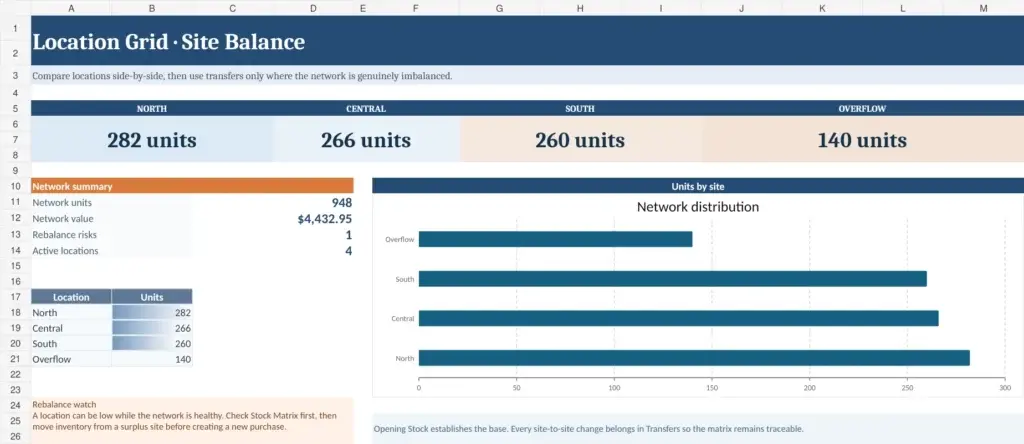
Location Grid puts quantities for the same SKU side by side across shops, warehouses, or stock points.
This makes it easier to spot cases where one location is running low while another still has surplus inventory available.
Workbook features
- Stock Matrix with quantities by location
- Network-wide total units
- Total inventory value
- Active-location count
- Rebalance-risk detection
- Opening Stock sheet
- Transfers log
- Individual Count Sheets for each site
Setting it up
Enter the initial quantities in Opening Stock.
After setup, use Transfers to record inventory moving between locations. The Stock Matrix then provides the consolidated view across the network.
Who may find it useful
- Multi-store retailers
- Businesses with several warehouses
- Regional distributors
- Companies moving stock regularly between sites
As the number of locations and daily transfers grows, WareStat can provide a more practical alternative to maintaining the same process manually in Excel.